WhatsApp Business Automation: A Practical Guide for Growing Teams
Learn where WhatsApp automation creates value, what should stay human, and how to build a reliable customer journey.
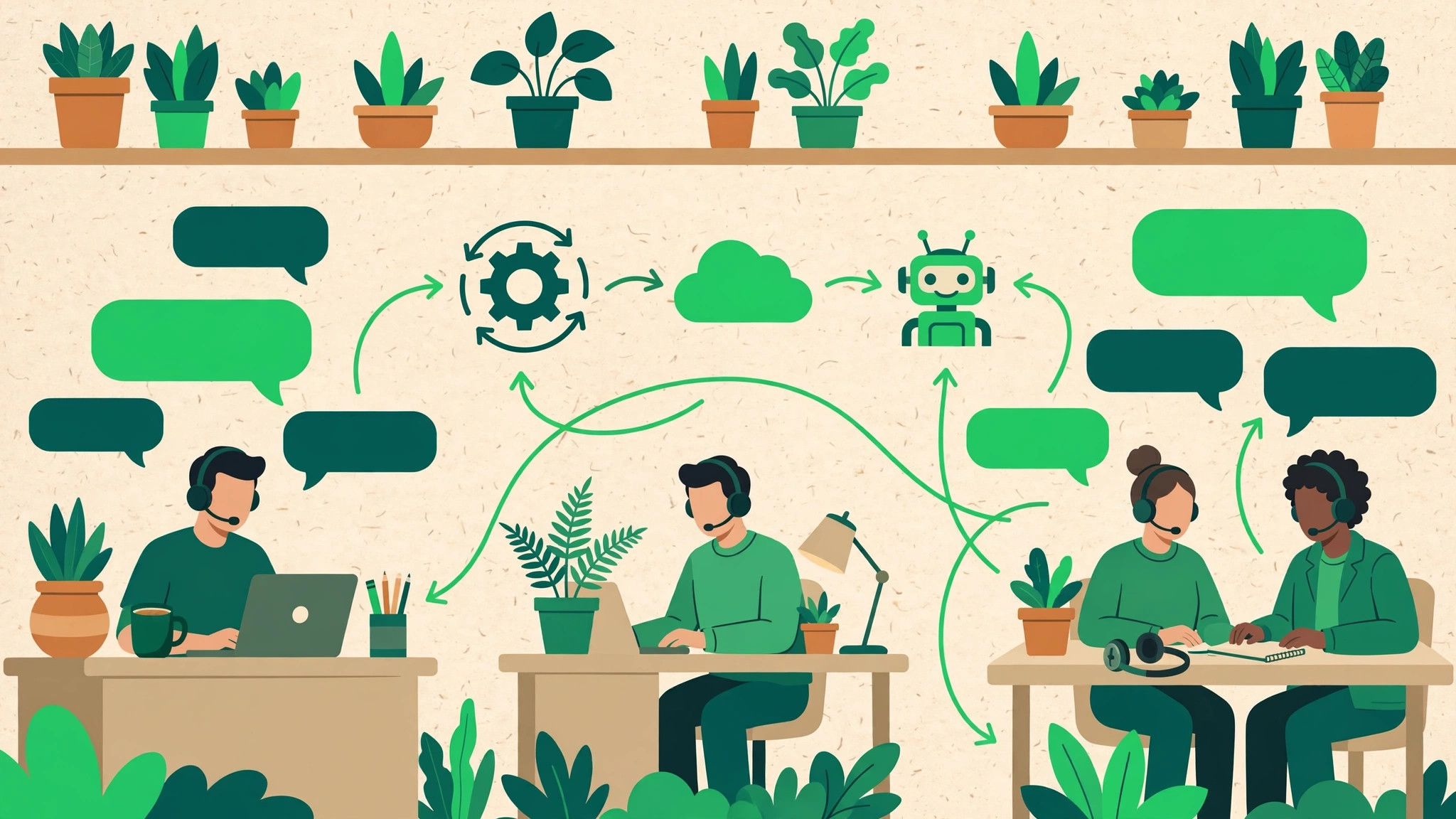
WhatsApp automation has quietly become the backbone of modern WhatsApp marketing. Customers expect replies in minutes, not hours, and no team can keep that pace manually once message volume grows. This guide walks through what automation can genuinely handle for your business, what it should never touch, and how to roll it out without losing the human touch that makes WhatsApp work.
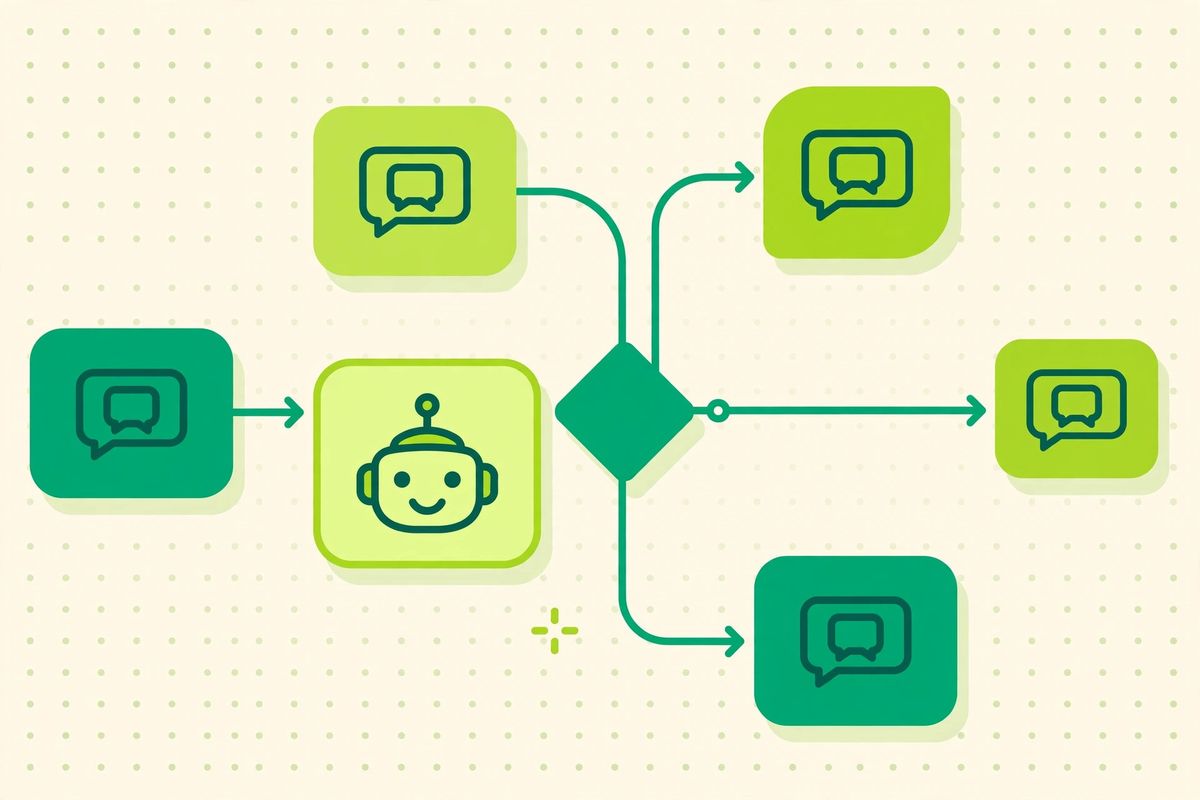
WhatsApp Business automation uses rules, customer data and workflows to handle predictable parts of a conversation. A good system does not remove people from customer service. It removes repetitive work so people can focus on questions that require judgement, empathy or commercial context.
What can WhatsApp automation handle?
Useful workflows normally support acquisition, service, transactional updates or retention. They can collect a prospect's requirements, answer common questions, communicate an order event or reconnect with customers who agreed to receive relevant messages.
- Answer opening-hours, pricing or availability questions.
- Collect an order reference or preferred appointment time.
- Route conversations by language, location or topic.
- Send reminders linked to a real customer event.
- Transfer a conversation to a person with its history intact.
Connect automation to a shared inbox
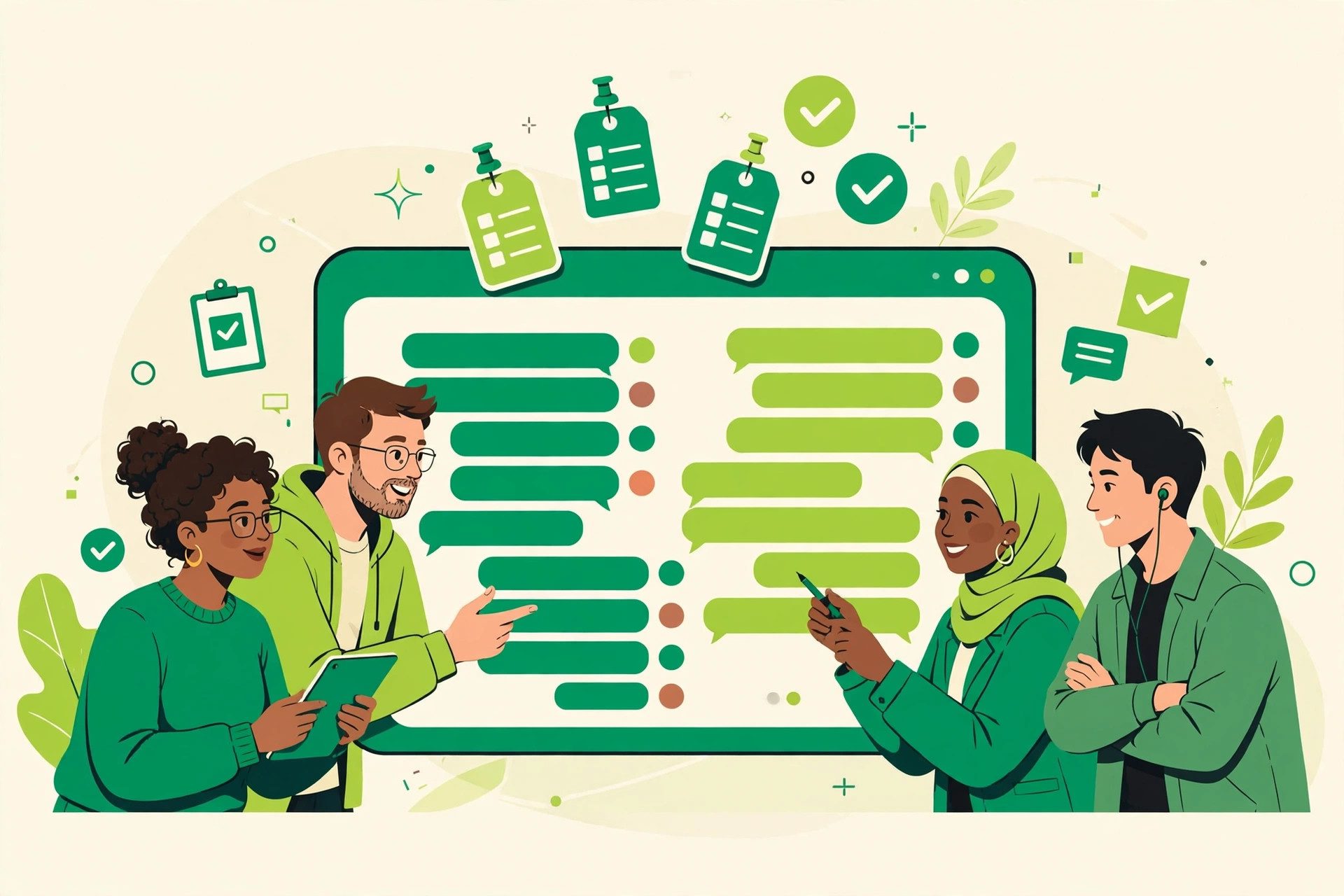
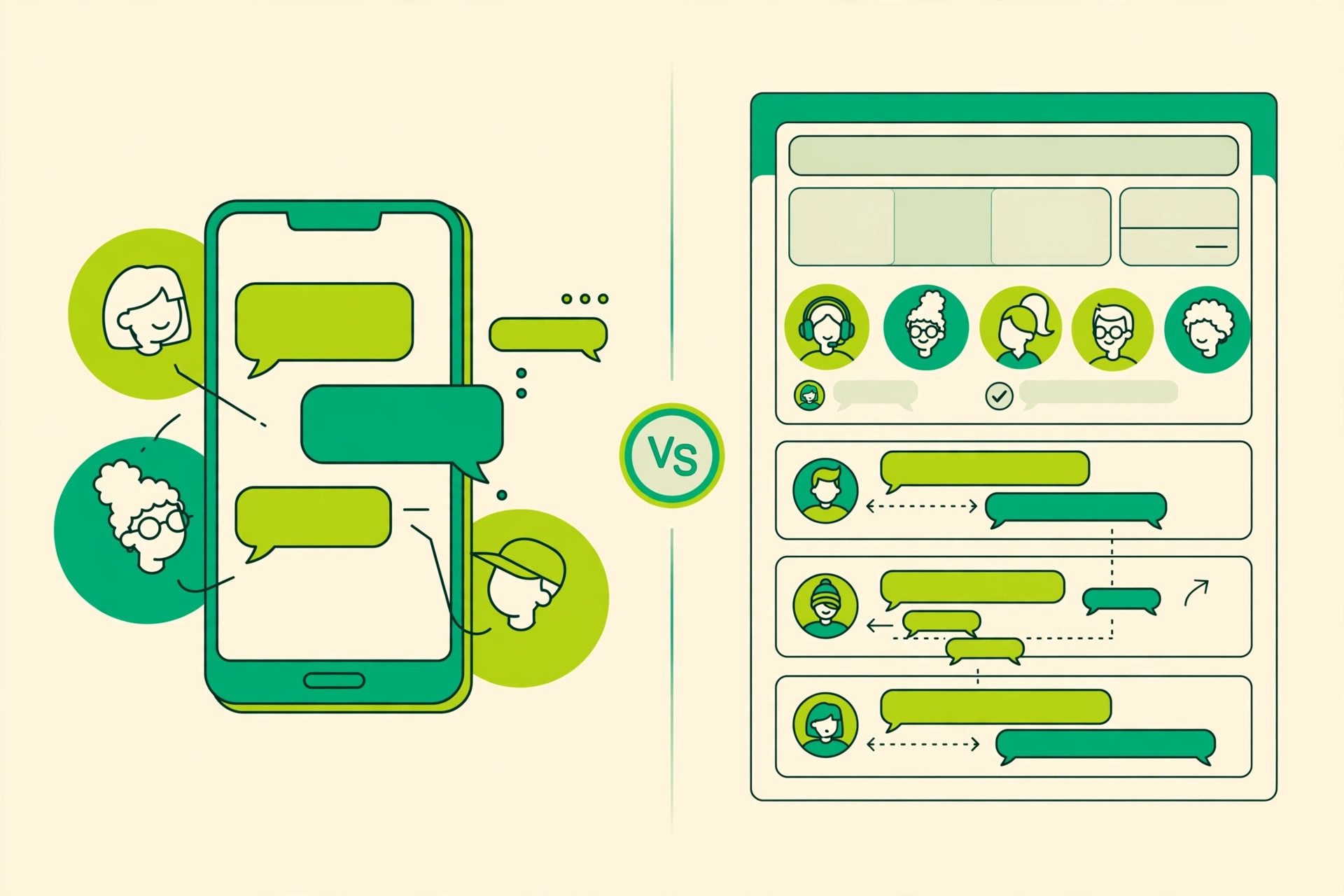
A workflow becomes more useful when it connects to a shared WhatsApp inbox. Agents can see what the customer selected, take ownership and continue without asking the same questions again. Define this handoff before building the automated path: decide which topics need an agent, what information should be collected and who owns the conversation after transfer.

A practical implementation framework
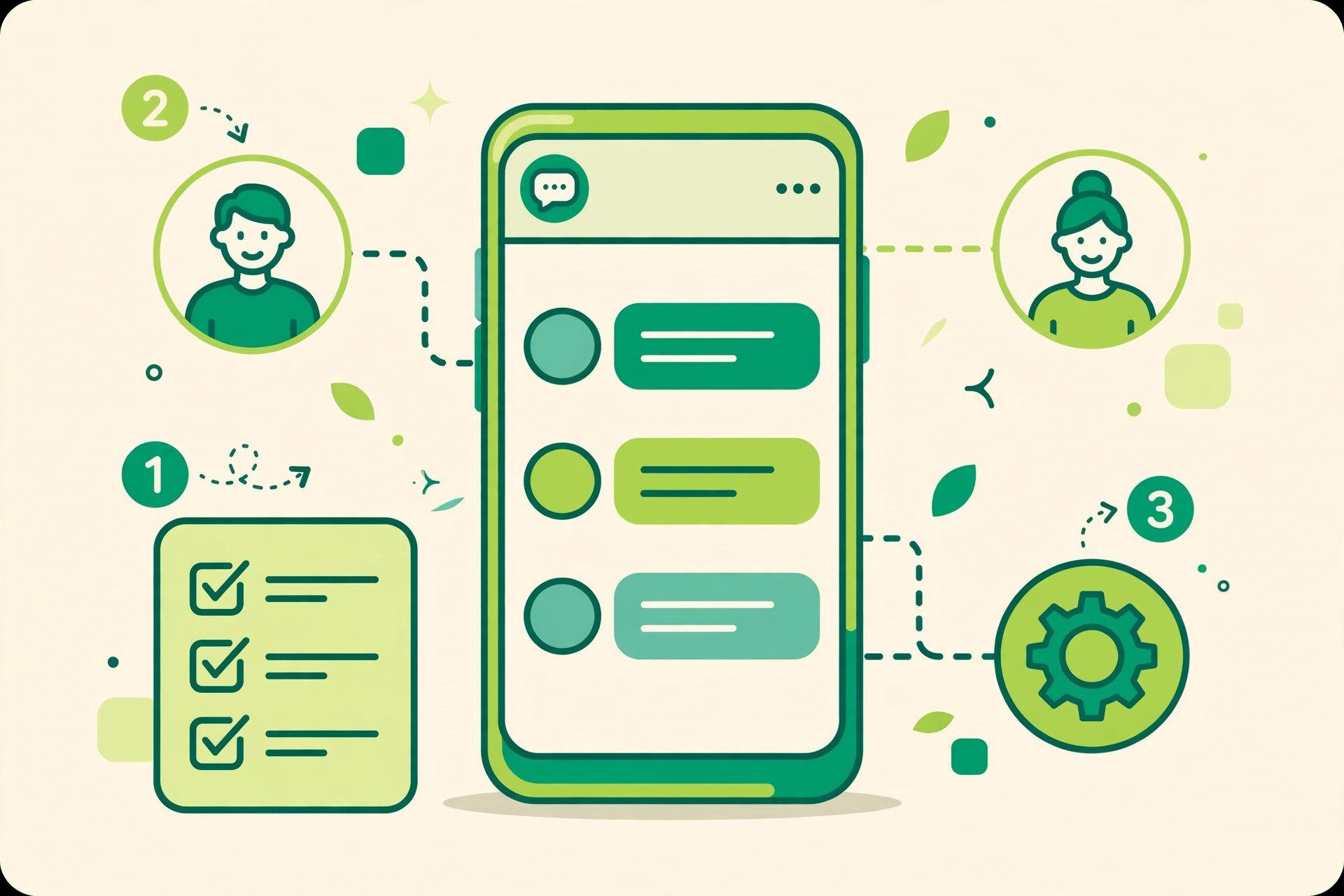
- Choose one measurable journey. Pick a process with enough volume and a clear result.
- Map the shortest useful path. Remove questions that do not change the next step.
- Write for conversation. Use short prompts, clear options and an obvious human route.
- Connect customer context. Pass contact fields, labels and previous messages into the inbox.
- Test edge cases. Try unexpected answers, missing information and repeated messages.
- Review real conversations. Improve where customers pause, leave or ask for clarification.
What should you measure?
Do not judge automation by message volume. Measure completion rate, time to first useful response, handoff rate, resolution time and repeated questions. For acquisition journeys, connect the original landing page and campaign parameters to the lead or signup record.
Where WhatsApp automation fits in your marketing strategy
Think of your funnel in two halves. WhatsApp marketing brings people in: broadcasts, click-to-chat ads and QR codes start the conversation. WhatsApp automation then does the converting. A welcome flow greets every new contact, a few smart questions qualify them, and follow-up reminders chase the ones who go quiet. The mistake is automating everything. The first reply, the qualification and the reminders are repetitive, so machines should own them. Negotiation, complaints and high-value closing still belong to your team. Businesses that draw this line clearly see automation lift their marketing results instead of cheapening them, because customers get speed where speed matters and people where people matter.
Common mistakes
Long menus, vague choices and hidden human support make automation feel like a barrier. Another mistake is treating every contact as permission for every future campaign. Keep the purpose of the customer's opt-in clear and make preference changes easy.
Explore the full set of WhatsApp marketing, CRM and automation features, then choose the smallest workflow capable of producing a meaningful result.
Keep reading
- How to Build a WhatsApp Chatbot Without Writing Code
- WhatsApp Broadcast: Limits, Pricing & Best Practices
Ready to put this into practice? SocialGeniex brings broadcasts, chatbots, automation and a shared team inbox together in one workspace, so your WhatsApp marketing runs from a single place. Explore the features or start free today.
Five workflows worth setting up first
If you are starting from zero, do not try to automate everything at once. These five workflows cover the conversations most businesses repeat every day, and each one can be live within a week.
1. Welcome message and lead qualification
When someone messages your number for the first time, a welcome flow can greet them, ask what they need (sales, support, booking, pricing) and route the chat to the right person or queue. Two or three qualifying questions at the start save your team from asking the same things manually in every conversation.
2. An FAQ chatbot for repetitive questions
Opening hours, prices, delivery areas, payment methods, location: the same questions arrive all day. A simple menu-driven or keyword-based chatbot answers them instantly and hands over to a person when the question falls outside the script. Our guide to building a WhatsApp chatbot without code walks through the flow-builder approach step by step.
3. Appointment and booking reminders
Clinics, salons, consultants and service businesses lose time to no-shows. An automated reminder the day before, with a simple confirm or reschedule option, keeps calendars honest without anyone on your team sending messages by hand.
4. Order, payment and delivery updates
Transactional updates are the messages customers actually want to receive: order confirmed, payment received, dispatched, out for delivery. Trigger them from the event itself (a new order, a status change in your store) rather than on a schedule, and keep each message short and factual.
5. Follow-up sequences for quiet leads
Not every prospect buys on the first chat. A short, spaced sequence of helpful follow-ups, sent only to people who opted in, brings warm leads back without feeling pushy. The mechanics are covered in our WhatsApp drip campaigns guide, and SaaS teams can adapt the same pattern with the onboarding automation playbook.
Templates: the building blocks underneath
Any message your business sends first, outside an open 24-hour conversation window, must use a pre-approved template. Meta reviews templates by category: utility templates cover order updates, reminders and confirmations; marketing templates cover offers and promotions; authentication templates carry one-time passcodes. Plan your workflows around the templates you can get approved, write them in the customer's language, and keep variables (name, order number, time) accurate, because sloppy variables are a common rejection reason. The full checklist is in our template messages approval guide.
What does WhatsApp automation cost?
There are two separate costs to budget for. The first is Meta's own pricing: businesses pay per delivered template message, with rates that differ by category and by the customer's country. Service conversations started by the customer are priced differently from business-initiated marketing messages, which is exactly why the category choice in the section above matters. We break the model down in WhatsApp Business pricing explained.
The second cost is the platform you run the automation on. SocialGeniex pricing is in Pakistani rupees and starts with a free plan for trying things out. The Growth plan is Rs 4,499 per month, or Rs 3,599 per month when billed yearly (yearly-billing price; the regular monthly price is Rs 4,499). The Pro plan is Rs 14,999 per month, or Rs 11,999 per month on yearly billing (yearly-billing price; the regular monthly price is Rs 14,999). Current details are always on the pricing page. When you compare platforms, compare them against your message volume and team size, not just the sticker price.
A simple seven-day rollout plan
- Day 1: List the ten questions your team answers most often. These become your first automation candidates.
- Day 2: Connect your WhatsApp Business number and set up a shared inbox so automation and agents work from the same place.
- Day 3: Draft and submit the template messages your first workflows need.
- Day 4: Build the welcome flow and the FAQ chatbot. Keep menus short: three options beat nine.
- Day 5: Add one transactional workflow tied to a real event, such as an order confirmation.
- Day 6: Test everything with your own phone, including the handover to a human, before customers see it.
- Day 7: Go live, watch the first conversations, and fix the wording that confuses people.
Frequently asked questions
Do I need the WhatsApp Business API for automation?
For anything beyond the basic quick replies and greeting messages in the free WhatsApp Business app, yes. Broadcasts to opted-in customers, chatbots, template messages and a shared team inbox all run on the WhatsApp Business Platform (API). Our API setup guide covers the requirements and verification steps.
Will customers still be able to reach a human?
They should, and designing that escape route is part of good automation. Let the bot handle the predictable questions, and make it obvious how to reach a person ("type AGENT any time", a menu option, or automatic transfer when the bot cannot help). The conversation, with everything the bot collected, should land in your team's inbox so the customer never repeats themselves.
How many messages can I broadcast?
Broadcast reach depends on your number's messaging limit tier and quality rating, both of which grow with good behaviour: send only to opted-in contacts, keep messages relevant, and avoid being reported or blocked. Limits, tiers and sending practices are covered in our broadcast limits and best practices guide.