WhatsApp Template Messages: Approval Guide with Examples
How WhatsApp template approval works: categories, rules, common rejection reasons and copy-paste examples that get approved.
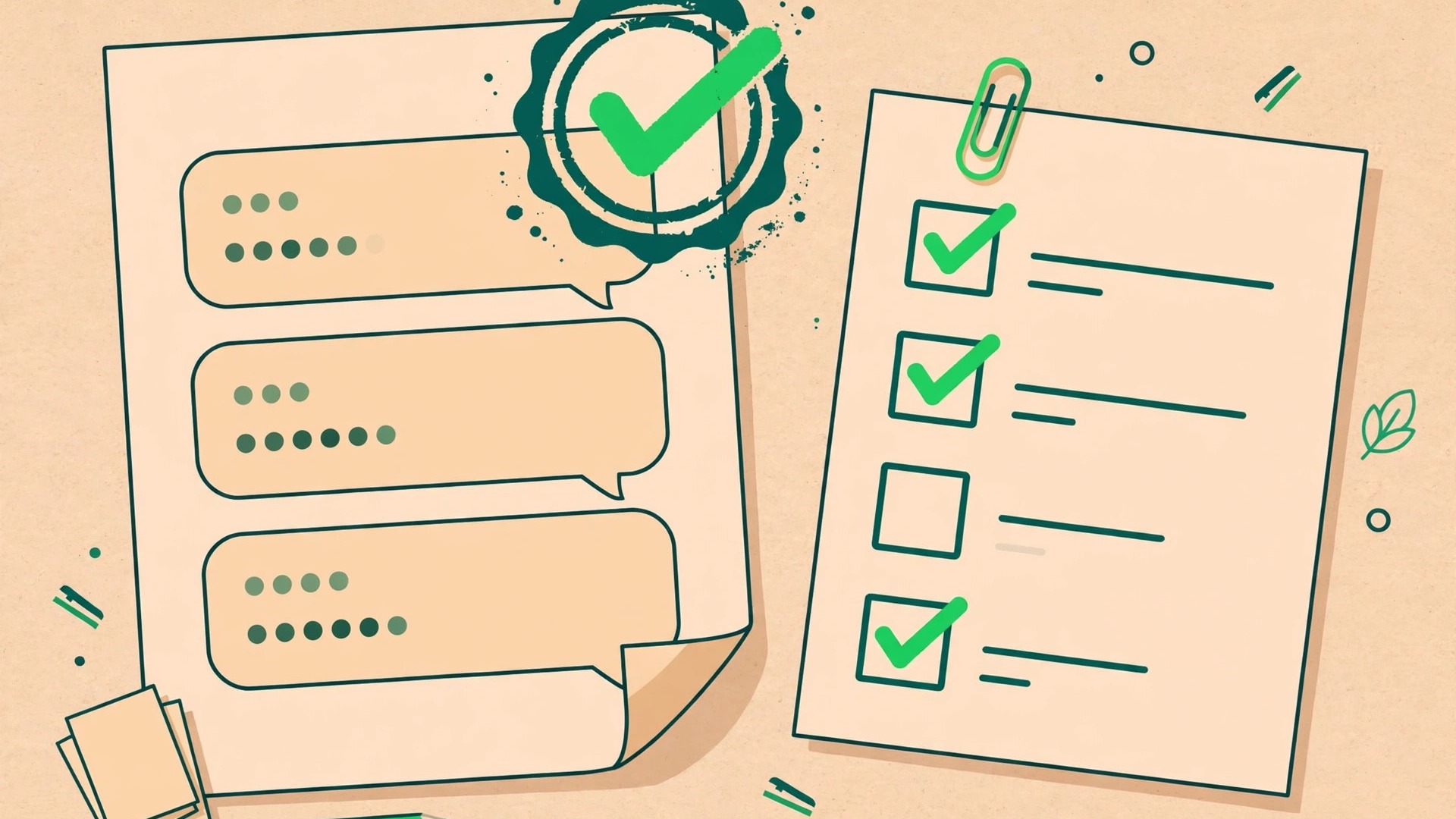
Template messages are the toll road of WhatsApp Business: every business-initiated message outside an active conversation must use a Meta-approved template. Get them right and your campaigns fly; get them wrong and you burn days on rejections.
When do you need a template?
WhatsApp conversations work in 24-hour windows. If a customer messages you, you can reply freely for 24 hours. The moment you start a conversation — a promotion, a reminder, an update — outside that window, it must be a template. Templates are also required for broadcasts.
The three template categories
Marketing
Promotions, offers, new arrivals, abandoned cart nudges. The most scrutinized category — every claim must be verifiable and opt-outs respected.
Utility
Order confirmations, shipping updates, appointment reminders, payment receipts. Tied to a specific transaction or account event.
Authentication
One-time passcodes and verification codes. Strict format rules apply.
Rules that get templates approved
- Use variables properly: write "Hi {{1}}, your order {{2}} has shipped" — never hardcode personal data into the template text.
- No URL shorteners: use full domains you own. Shortened links are a classic rejection trigger.
- Match the category: a promotional line inside a "utility" template will be rejected. Keep marketing copy in marketing templates.
- Be specific and complete: "Your appointment is confirmed" is weak; "Your appointment at {{1}} on {{2}} is confirmed. Reply RESCHEDULE to change it." is strong.
- Grammar matters: sloppy spelling and excessive emojis or ALL CAPS invite rejection.
Examples that work
Abandoned cart (marketing)
"Hi {{1}}, you left {{2}} in your cart. Complete your order in the next 24 hours and get 10% off with code COMEBACK10: {{3}}"
Order shipped (utility)
"Good news, {{1}}! Your order {{2}} has shipped and arrives by {{3}}. Track it here: {{4}}"
Appointment reminder (utility)
"Reminder: your appointment at {{1}} is tomorrow at {{2}}. Reply CONFIRM to keep it or RESCHEDULE to pick a new time."
Top rejection reasons (and fixes)
- Wrong category → re-submit under marketing if there is any promotional angle.
- Missing opt-out → marketing templates should tell users how to stop messages.
- Vague parameters → every {{n}} must have a clear example value when submitting.
- Policy violation → no gambling, adult, misleading health claims, or data harvesting.
Managing templates at scale
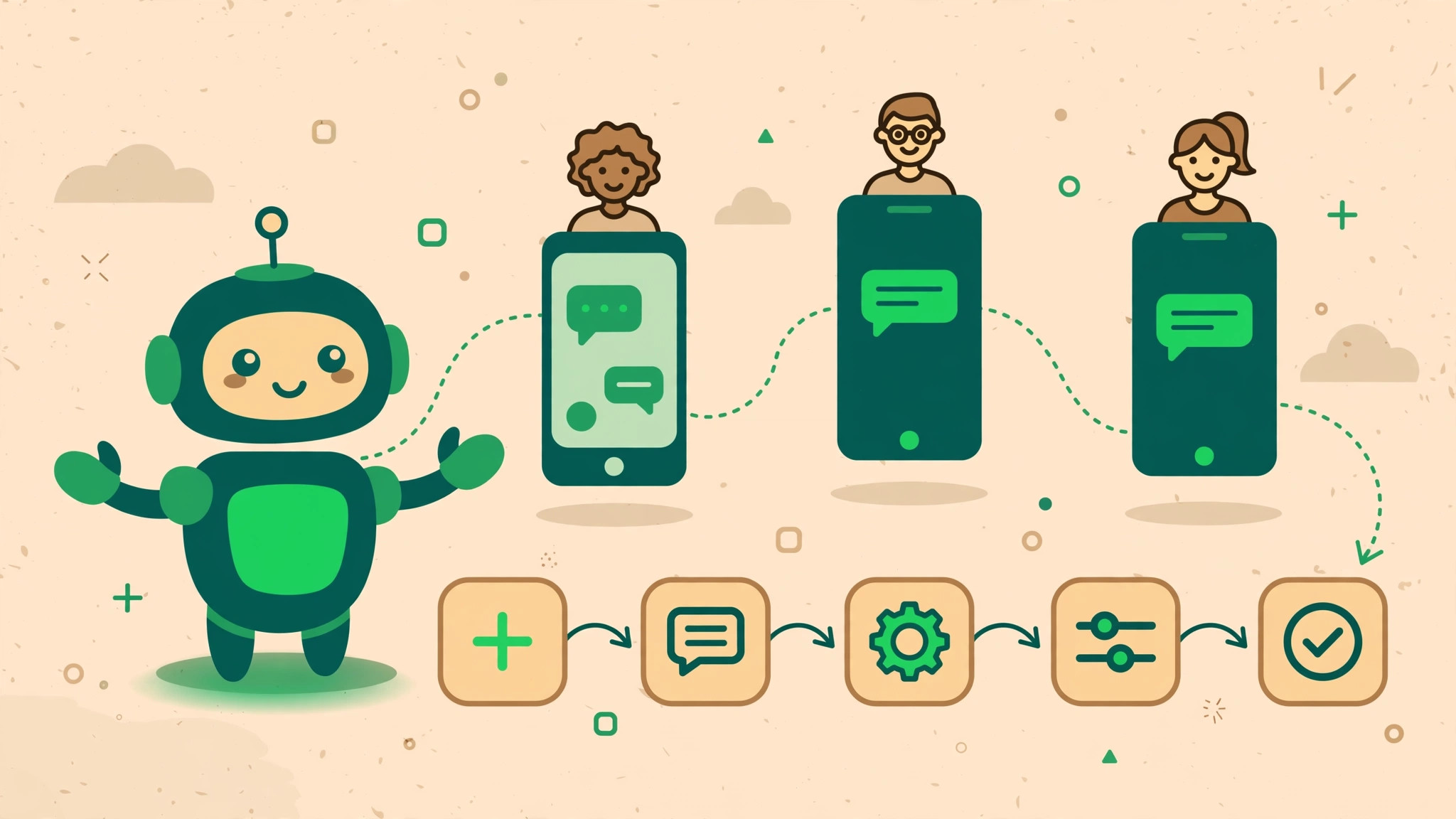
Keep a library: name templates clearly (e.g. cart_recovery_v2), version them, and retire losers. In SocialGeniex you can submit, track approval status, and plug approved templates straight into broadcasts and flows without copy-pasting.
FAQ
How long does approval take?
Usually minutes to a few hours. Complex or borderline templates can take up to 24 hours.
Can I edit an approved template?
No — any text change needs re-approval. That is why versioning (v1, v2) matters.