WhatsApp Business API: The Complete Setup Guide
Everything you need to launch the WhatsApp Business API: requirements, setup steps, pricing basics and common mistakes to avoid.

The WhatsApp Business API is how serious businesses move beyond the free app. While the WhatsApp Business app works for a single phone, the API lets your whole team send broadcasts, automate conversations, and connect WhatsApp to your CRM — all from one workspace like SocialGeniex.
WhatsApp Business App vs API: which one do you need?
The free app supports one device, manual replies, and basic labels. The API supports unlimited team members, bulk broadcasts, chatbots, template messages, and integrations. If more than two people handle customer chats, or you send the same message to hundreds of customers, you need the API.
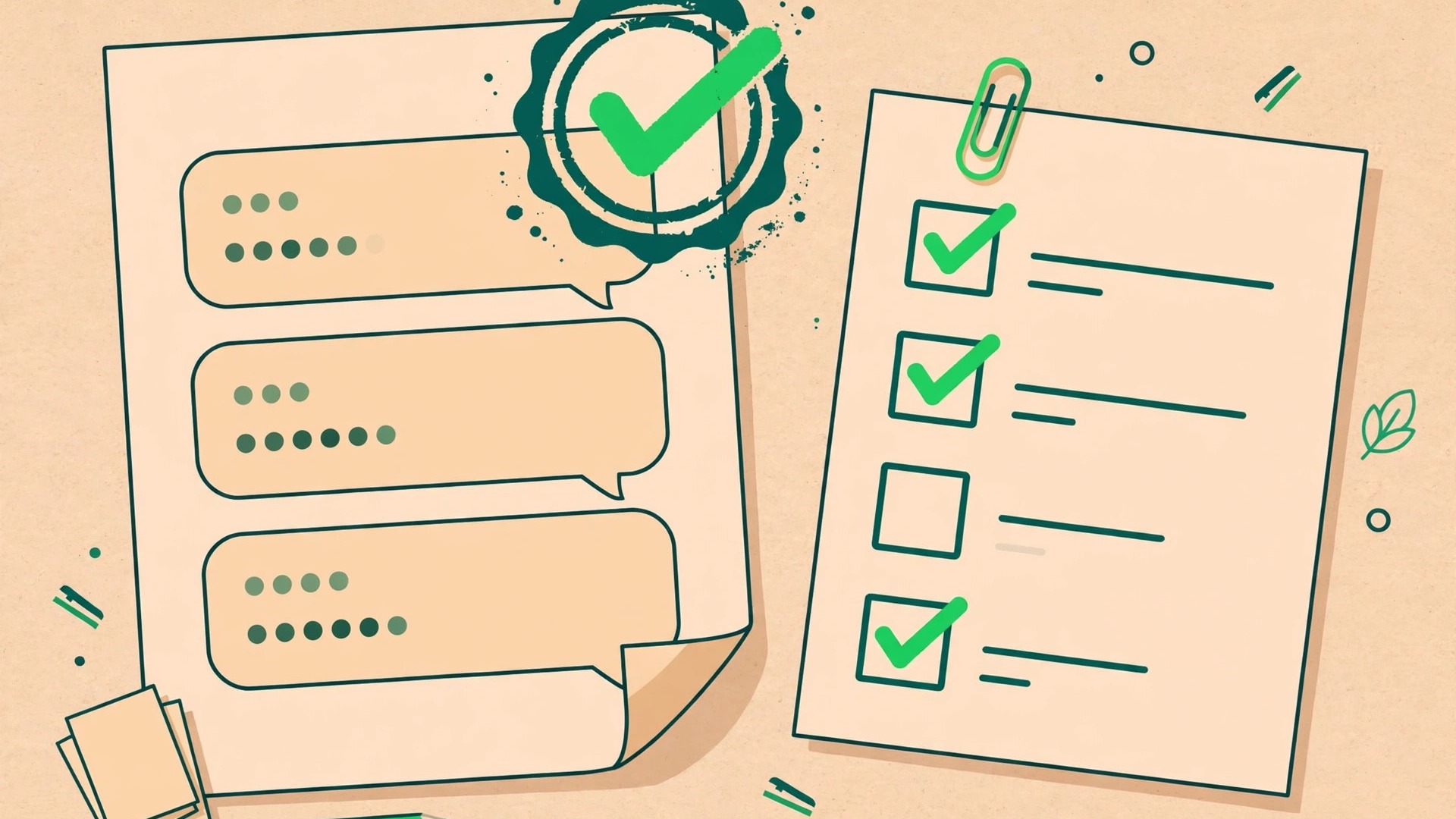
What you need before you start
- A Facebook Business Manager account (verified is better, but you can start unverified).
- A phone number that has never been used on WhatsApp before — or migrate an existing one.
- A display name that matches your business (Meta approves these).
- A platform to use the API through — the API has no interface of its own. Providers like SocialGeniex give you the dashboard, inbox, and automation builder.
Setup in 5 steps
1. Create your WhatsApp Business Account
Inside Facebook Business Manager, create a WhatsApp Business Account and add your business details. This is the container Meta bills and applies policy to.
2. Add and verify your phone number
Register the number via SMS or voice call OTP. Once a number is on the API, it cannot be used in the regular WhatsApp app anymore.
3. Get your display name approved
Submit the name customers will see. It must clearly represent your business — no generic words like "Support" alone.
4. Connect a platform
Generate your API credentials and connect them to your platform. In SocialGeniex this takes a few minutes: connect the number, and your shared inbox, broadcasts and flows are ready immediately.
5. Warm up and verify your business
Start with opted-in contacts, keep template rejection rates low, and complete business verification to unlock higher messaging limits.
How much does it cost?
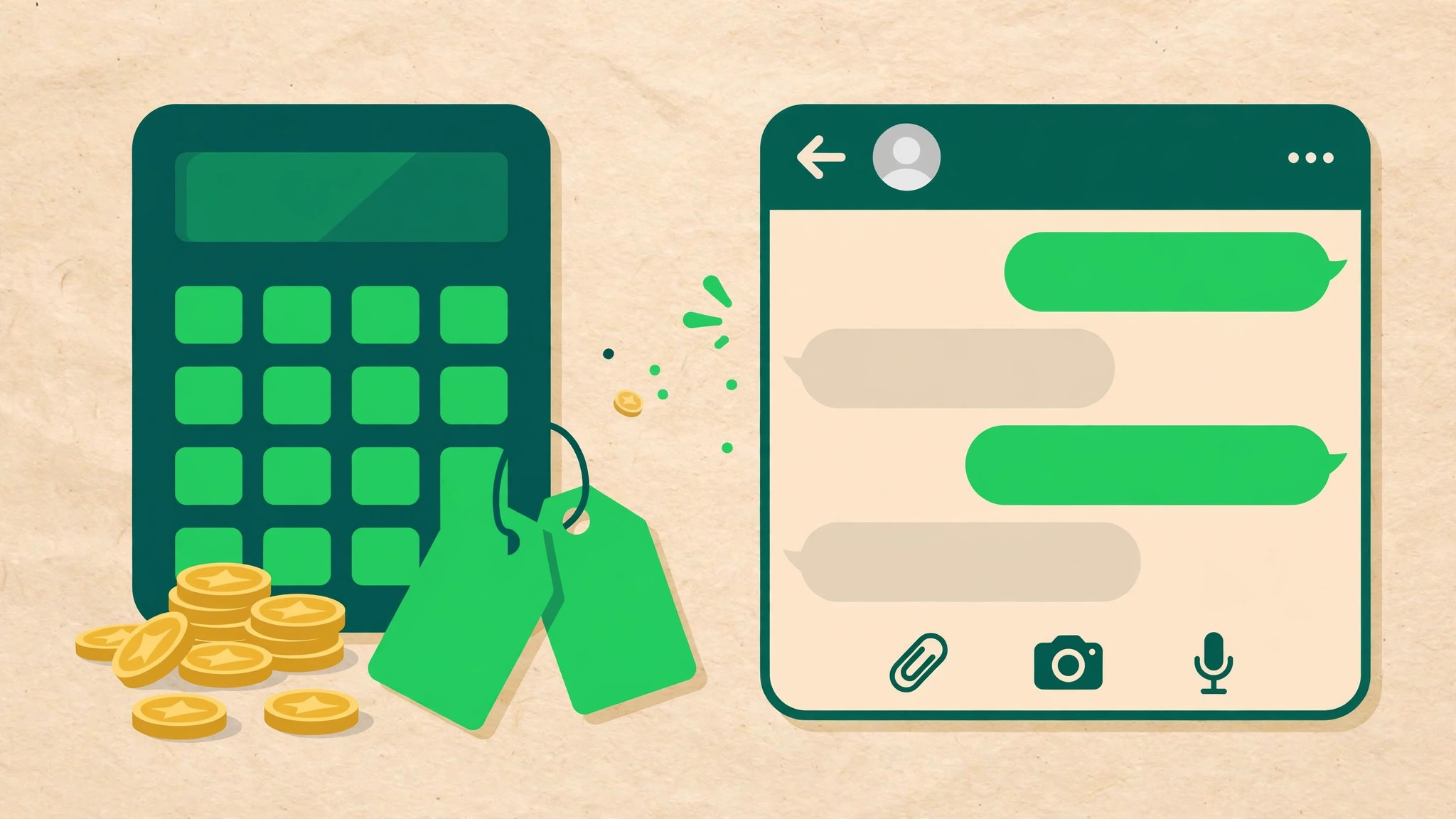
Meta charges per conversation (24-hour windows), with different rates for marketing, utility, authentication, and service conversations. On top of that, platforms charge for the software. See our full breakdown in WhatsApp Business pricing explained, or compare SocialGeniex plans.
Common mistakes to avoid
- Messaging without opt-in: WhatsApp requires explicit opt-in for marketing messages. Collect it at checkout, on your site, or via QR codes.
- Skipping templates: Business-initiated messages outside the 24-hour window must use approved templates.
- One phone for the whole team: shared logins on the app break as you grow — the API's team inbox solves this properly.
FAQ
Is the WhatsApp Business API free?
The API access itself has no license fee from Meta, but Meta charges per conversation and platforms charge for software.
Can I use my existing number?
Yes, you can migrate a number from the app to the API, but migration deletes its chat history — back up first.
How long does approval take?
Phone verification is instant. Display name approval usually takes a few hours to a day. Full business verification can take several days.