WhatsApp Broadcast: Limits, Pricing & Best Practices
How WhatsApp broadcast messages actually work: recipient limits, template rules, costs and the practices that keep open rates high.
Broadcasts are the loudest tool in WhatsApp marketing, and the easiest to misuse. Send too often, to the wrong people, and Meta restricts your number. Send well, and a broadcast is the cheapest reach you own. This guide covers the limits that govern broadcasting, what the messages actually cost, and the practices that keep your number healthy.
WhatsApp broadcast messages are the closest thing to email newsletters inside a chat app, except open rates routinely beat email by 3–5x. Here is how broadcasts actually work, what limits apply, and how to run them without hurting your number's reputation.
How WhatsApp broadcast works
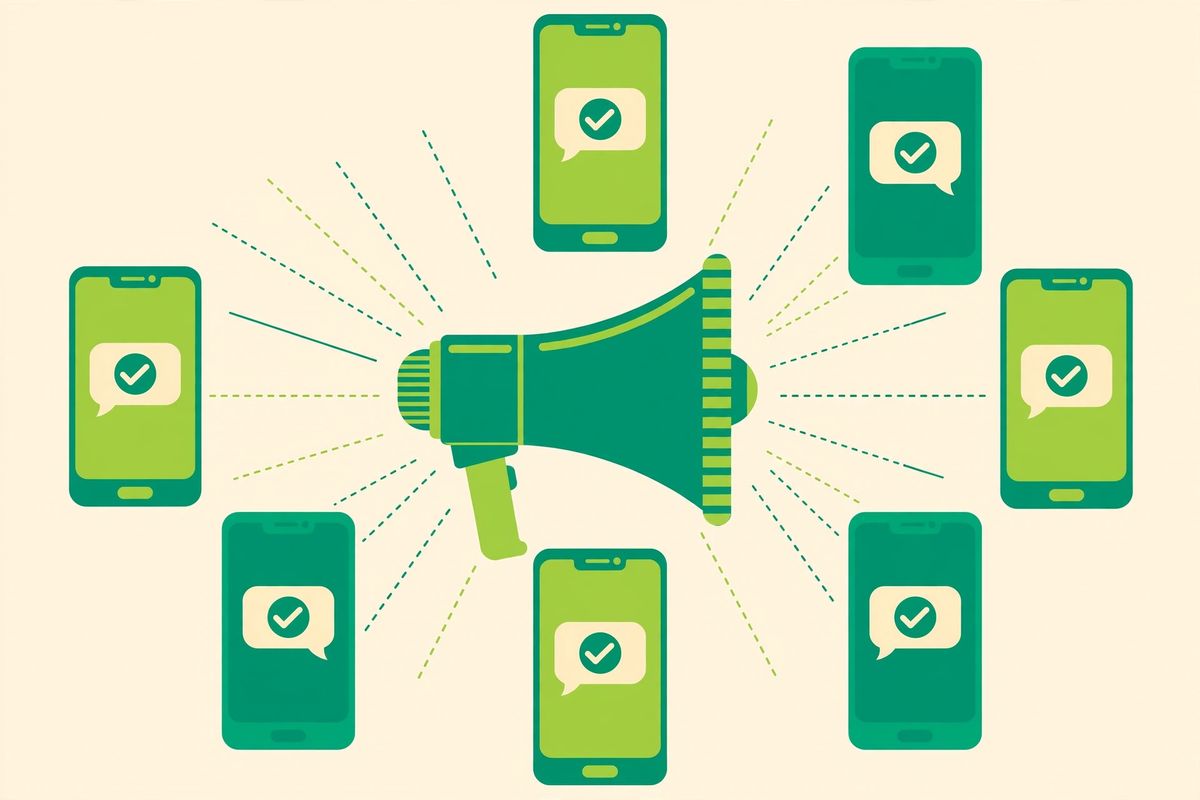
A broadcast sends one message to many recipients, each delivered as an individual chat. Replies come back privately. On the API, broadcasts to customers who have not messaged you recently must use approved template messages.
The limits you need to know
Recipient limit: starts at 250 unique customers per day and scales up automatically as your quality rating stays high, up to tens of thousands.
Opt-in required: every recipient must have explicitly agreed to receive messages from you.
Quality rating: Meta scores your number (High/Medium/Low) based on blocks and reports. Low quality throttles your limits.
Templates only for cold outreach: inside an active 24-hour conversation you can send anything; outside it, templates only.
What broadcasts cost
Meta bills marketing conversations per 24-hour window, priced per country. Your platform may add its own fee. Plan campaigns around conversation windows: one well-crafted broadcast that earns replies is cheaper than three ignored ones. Details: WhatsApp Business pricing explained.
Best practices that protect your number
1. Segment before you send
"Everyone" is not a segment. Split by purchase history, interests, or lifecycle stage. Targeted broadcasts get more replies and fewer blocks, and replies are a positive quality signal.
2. Write for chat, not email
Keep it under 3–4 lines, one idea per message, one clear call to action. Add a button or quick reply so responding takes one tap.
3. Time it like a human
Send when your customers are awake and likely shopping, late mornings and early evenings outperform 2 AM blasts. Avoid more than 2–3 broadcasts per week per segment.
4. Always offer an exit
Include "Reply STOP to opt out" periodically. Easy opt-outs reduce blocks, which protects your quality rating far more than the few unsubscribes cost you.
5. Test templates first
Send to a small internal group, check rendering (variables, media, buttons), then roll out. Rejected or broken templates waste money and momentum.
Running broadcasts in SocialGeniex
With SocialGeniex broadcasts you can segment contacts, personalize with variables, schedule sends, and see delivery, read, and reply rates per campaign, then follow up with non-openers automatically through flows.
Broadcasts inside a complete WhatsApp automation strategy
A broadcast on its own is just the opening line. What converts is what happens next, and that is where WhatsApp automation earns its place. When two hundred people reply to a campaign, automated sorting can tag each reply by intent, answer the routine questions instantly and route the buyers to your team with context attached. This pairing also protects your quality rating: fast, relevant replies keep customers happy and engaged, which is exactly the behaviour Meta rewards with higher messaging limits. Plan every broadcast together with the automation that will handle its replies, never as a standalone blast.
FAQ
How many people can I broadcast to per day?
It depends on your tier: 250/day to start, scaling automatically to 1,000, 10,000, and 100,000+ as quality stays high.
Do recipients know it is a broadcast?
No. Each recipient gets a normal-looking individual message, and replies are private between you and them.
Ready to put this into practice? SocialGeniex brings broadcasts, chatbots, automation and a shared team inbox together in one workspace, so your WhatsApp marketing runs from a single place. Explore the features or start free today.