←Back to the journal
WhatsApp Growth · Oct 7, 2026 · 4 min read
WhatsApp Onboarding Automation for SaaS: The Playbook
Turn trial signups into activated users with WhatsApp onboarding automation. Workflows, templates and metrics.

Meta Tech Provider · Built on the official WhatsApp Business API
Turn trial signups into activated users with WhatsApp onboarding automation. Workflows, templates and metrics.

SaaS teams discovered that WhatsApp automation activates new users faster than email ever did. A welcome email waits hours to be opened; a WhatsApp message is read in minutes. For onboarding, that speed is the whole game, because users who do not reach the core feature in the first days rarely stay. This guide maps the workflows that move users from signup to success.
Email onboarding gets 20% open rates. WhatsApp gets 98%. For SaaS trials, where the first 48 hours decide whether a user activates, that gap is the difference between a signup and a customer. Here's the playbook for WhatsApp onboarding automation.
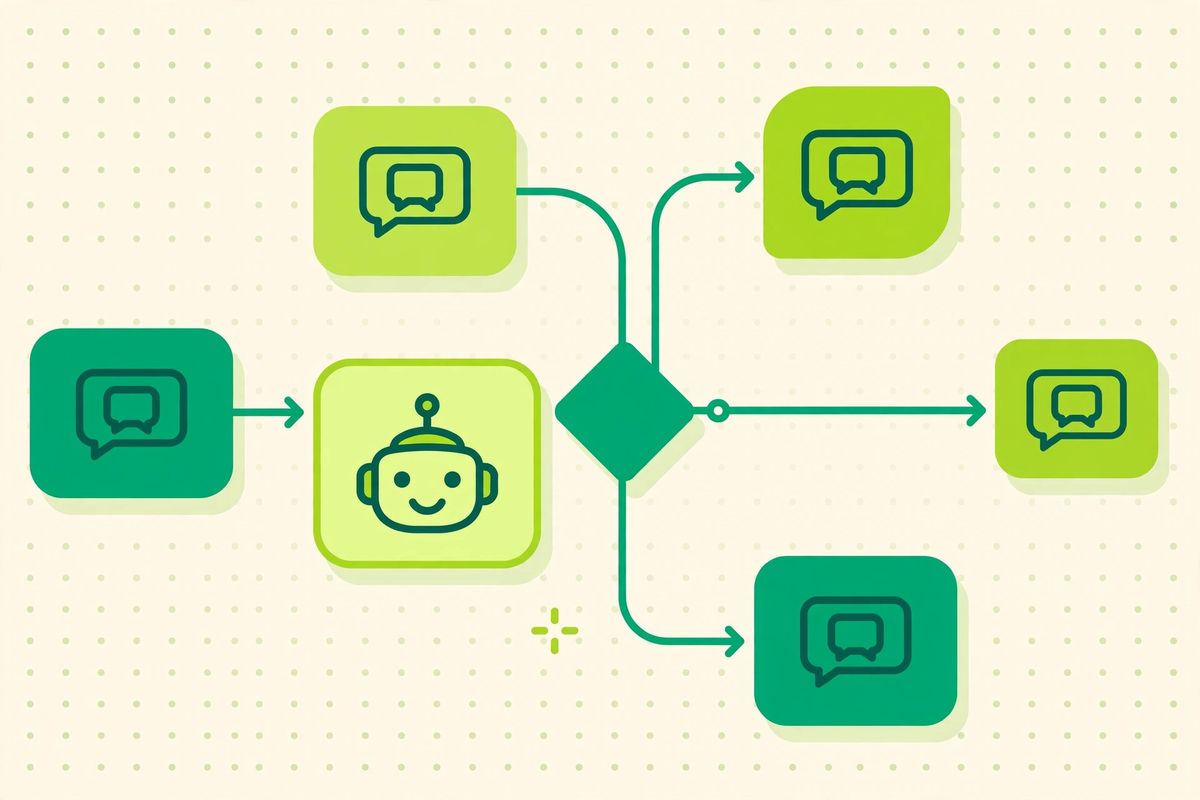
Trial users don't read your 7-email drip. They do read WhatsApp. Onboarding automation over WhatsApp meets users where they already are, with interactive messages they actually tap, quick-reply buttons, carousels, and one-tap deep links into your product.
Trigger: signup. A template message welcomes the user, confirms their account, and offers the single most important first action, with quick-reply buttons ("Connect your store", "Invite your team", "Watch 2-min tour").
Trigger: key action not completed. If the user hasn't finished setup, a utility message nudges them: "You're one step away, connect your calendar to finish setup." One nudge per missed milestone, then stop.
Trigger: trial ending in 48h, then 24h. A marketing template with the trial end date, what they'll lose, and a one-tap upgrade link. Add a human follow-up for high-value trials.
Trigger: no login for 7 days post-trial. A short check-in: "Still interested? Here's what changed this month." Keep it to one message.

welcome_v1 (utility): account confirmation + first actionsetup_nudge_v2 (utility): incomplete-setup remindertrial_ending_48h (marketing): expiry warning + upgrade CTAtrial_ended_winback (marketing): post-trial check-inGet templates approved before you need them, approval takes minutes to hours, and you don't want to be waiting mid-sequence. Our template approval guide shows how.
Pair these with broader WhatsApp automation to compound the gains. See how SocialGeniex flows work.
Good onboarding automation follows the product, not the calendar. Trigger messages from events: account created, first project started, a key feature untouched after two days. Each message should do one job, nudge, teach or unblock, and anything the user replies to should land with a human who can see the context. This is WhatsApp marketing turned inward: the same segmentation and timing discipline, aimed at activation instead of acquisition. Track activation rate before and after each flow. The teams that win treat every WhatsApp automation as an experiment with a number attached.
Yes, with opt-in. Users must agree to receive messages, collect consent at signup and honor opt-outs instantly.
Only if you spam. One message per trigger, clear value in each, and an easy opt-out keeps it welcome.
Per-message pricing applies (marketing templates ~₹0.86 in India). A 4-message onboarding sequence costs roughly ₹3–4 per user, trivial against typical SaaS CAC.
Ready to put this into practice? SocialGeniex brings broadcasts, chatbots, automation and a shared team inbox together in one workspace, so your WhatsApp marketing runs from a single place. Explore the features or start free today.
Join businesses automating customer journeys across 11 live channels. Setup takes under 3 minutes.


