How to Build a WhatsApp Chatbot Without Writing Code
A practical walkthrough for building a WhatsApp chatbot with a visual flow builder — no developers required.
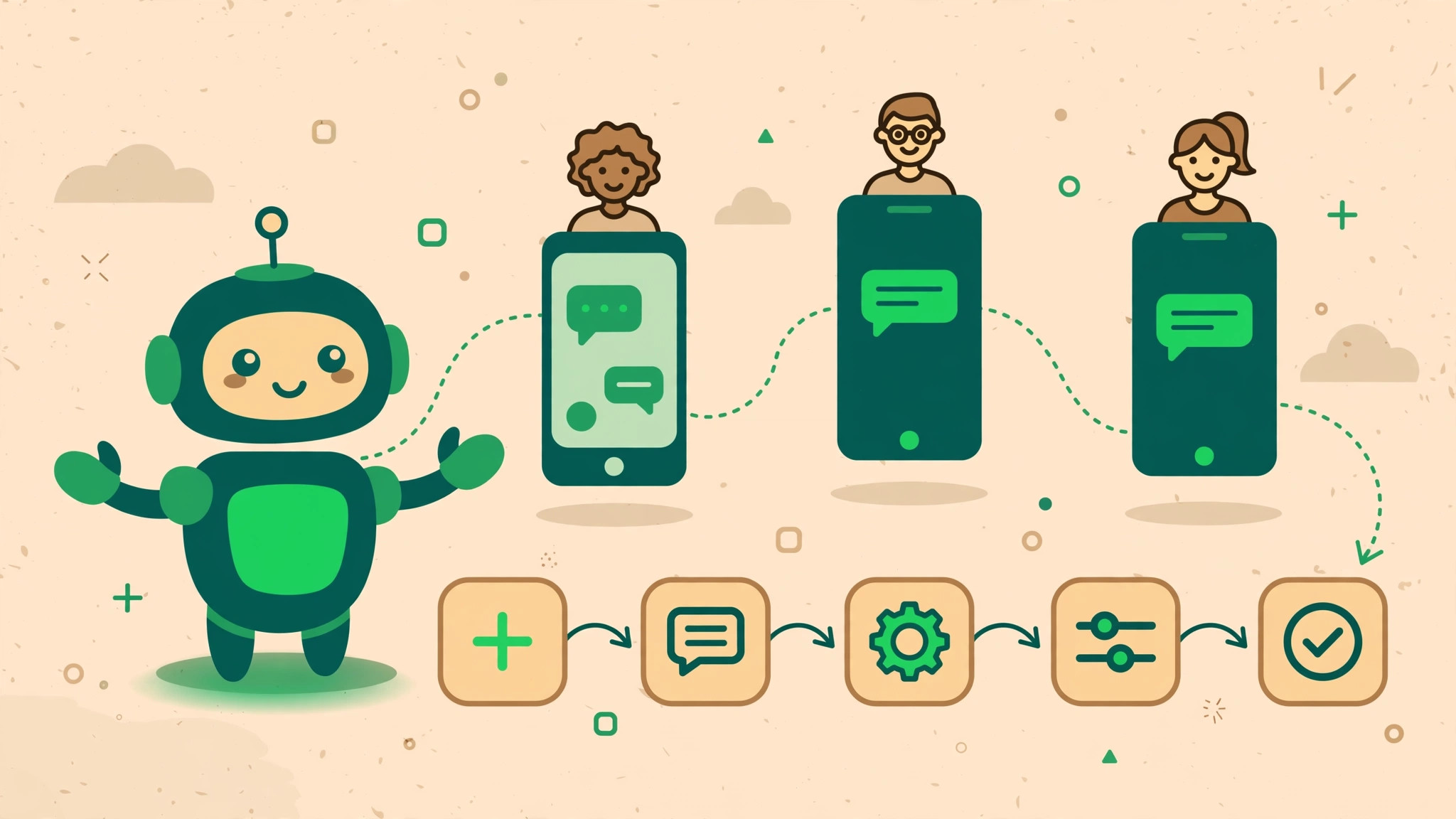
A WhatsApp chatbot answers common questions, qualifies leads, and takes orders while your team sleeps. And you no longer need developers to build one — visual flow builders let anyone design conversations by dragging blocks onto a canvas.
What a WhatsApp chatbot can realistically do
- Answer FAQs instantly (hours, pricing, delivery, returns).
- Qualify leads with a few questions, then route hot ones to sales.
- Take bookings and orders with buttons and lists.
- Send order updates and collect feedback automatically.
- Hand off to a human agent with full context when it gets stuck.
What it cannot do (be honest with yourself)
Chatbots handle predictable, repetitive conversations. They are bad at complaints that need empathy, negotiations, and anything requiring judgment. Design every flow with an obvious "talk to a human" escape — in SocialGeniex the bot can transfer the chat to your shared inbox with the full transcript attached.
Building your first bot in 6 steps
1. Pick ONE use case
Start narrow: "answer the 10 questions support gets daily" beats "automate everything." Measure it, then expand.
2. Map the conversation on paper
Write the happy path first: greeting → question → answer → done. Then add the two most common detours. Keep branches shallow — deep trees confuse everyone.
3. Build with blocks, not code
In a visual builder, each step is a block: send message, ask question, condition, API call, handoff. Connect them in the order a human agent would think.
4. Use buttons and lists
Free-text answers are where bots fail. Offer quick-reply buttons ("Track order", "Talk to support") so customers tap instead of type.
5. Set fallbacks
Decide what happens on "I don't understand": try once with suggestions, then offer a human. Never loop the same error message.
6. Test like a stranger
Run through it on your own phone. Ask colleagues to break it. Fix the three most common failures before launch.
Tips from teams that got it right
- Name the bot and be transparent. "Hi, I'm Sara from Acme" outperforms pretending to be human.
- Keep messages short. Chat is not email — one idea per bubble.
- Review transcripts weekly. The questions your bot fails at are your roadmap for the next iteration.
- Measure containment honestly. Track what % of chats resolve without a human — and celebrate the humans handling the rest.
FAQ
Do I need the WhatsApp Business API for a chatbot?
Yes, for anything beyond the free app's basic away messages. The API is what lets platforms run bots, and connecting through a provider takes minutes.
How long does it take to build one?
A simple FAQ bot: an afternoon. A lead-qualification or ordering flow: a few days including testing.