7 E-commerce WhatsApp Automation Workflows Worth Building
Practical WhatsApp workflows for product discovery, cart recovery, order communication, support and repeat purchases.
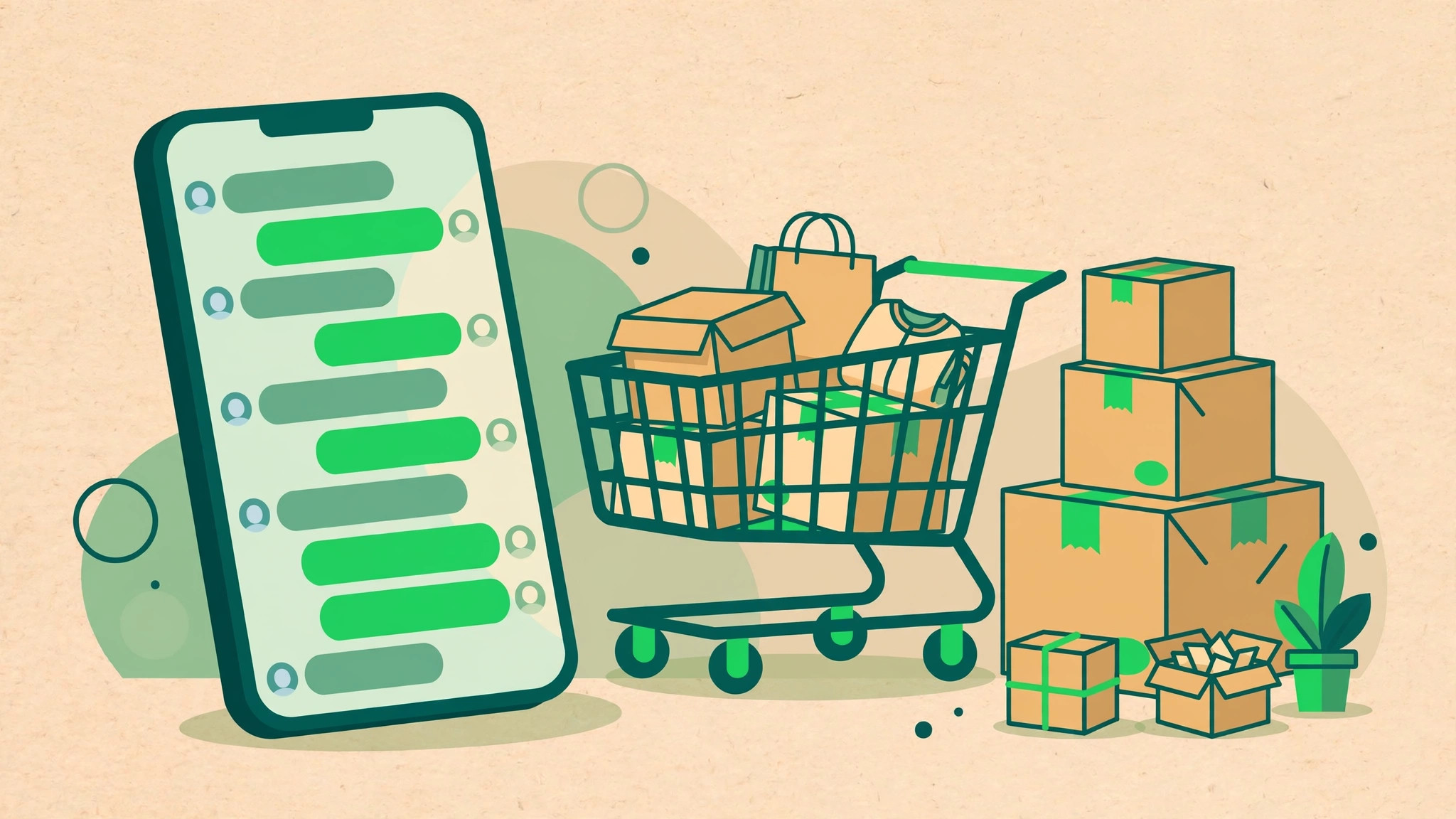
For online stores, WhatsApp automation turns chat into a genuine sales channel. Shoppers ask about products, abandon carts and chase deliveries in the same thread, and each of those moments can be handled automatically. This is ecommerce WhatsApp marketing at its most practical: not louder promotions, but timely messages tied to what the customer actually did.
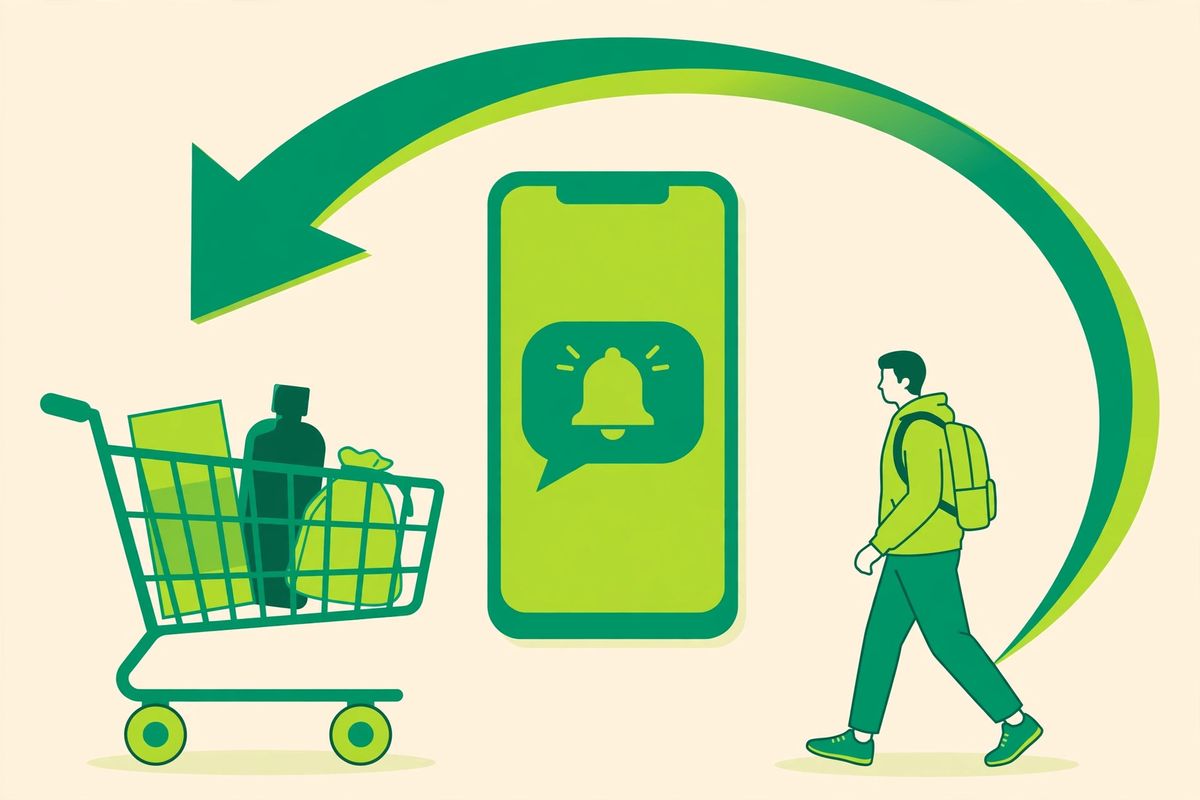
E-commerce WhatsApp automation works best when it helps a customer complete a real task. The goal is not to send more messages. It is to reduce uncertainty around product choice, checkout, delivery and support while giving customers control.
1. Product discovery
Ask only questions that narrow the catalogue, such as category, size or intended use. Present relevant options and offer a human handoff.
2. High-intent cart follow-up
Reconnect customers with a checkout they started. Keep the message specific, make the next action obvious and stop when a purchase completes or the customer declines.
3. Order confirmation
Include the order reference, a concise summary and a clear support route. Transactional communication should be useful before it is promotional.
4. Shipping and delivery updates
Trigger messages from meaningful fulfilment events rather than a generic timer. Route delivery exceptions to an agent who can see the order context.
5. Post-purchase support
Identify whether the customer needs setup help, a return or an exchange. Collect only information required for the next step and preserve it during handoff.
6. Review request
Ask after the customer has had time to use the product. Service issues should enter support instead of being pushed toward a public review.
7. Relevant repeat-purchase reminder
For replenishable products, use purchase history to time a useful reminder. Customers should understand why they received it and how to change preferences.
Turning WhatsApp marketing into repeat revenue
The first sale is the expensive one. WhatsApp automation makes the second and third almost free. A delivery confirmation can carry a care tip and a review request. Thirty days later, a replenishment reminder can arrive exactly when the product runs out. These post-purchase flows compound quietly in the background while your team focuses on new orders. Measure them properly: track revenue per conversation, not just messages sent. Stores that treat WhatsApp as a lifecycle channel, from discovery to repeat purchase, consistently get more from the same audience than stores that only broadcast offers.
Connect the workflows
These journeys should share a customer record. When discovery leads to an order, or a delivery update becomes a support request, context needs to follow. Start with the workflow closest to revenue or support cost, define its success event and launch to a controlled segment.
Explore WhatsApp automation for e-commerce or review the platform's campaign, inbox and automation features.
Keep reading
- WhatsApp Abandoned Cart Recovery: A Practical Playbook
- WhatsApp Drip Campaigns: Nurture Leads on Autopilot
Ready to put this into practice? SocialGeniex brings broadcasts, chatbots, automation and a shared team inbox together in one workspace, so your WhatsApp marketing runs from a single place. Explore the features or start free today.
One customer journey, start to finish
The seven workflows above are easier to judge as one connected story. Here is how they fit together for a typical online store. A customer taps a WhatsApp button on your product page and asks about sizes; the discovery workflow answers with options and prices from your catalogue. She adds two items to the cart on your website but gets distracted and leaves. An hour later, the cart follow-up workflow sends one polite message with the items she picked and a link back to checkout, which is the workflow detailed in our abandoned cart recovery playbook. She completes the order, and the confirmation workflow thanks her with the order number and total. The next morning, the shipping workflow shares tracking when the parcel is booked, and another message confirms delivery. Two days later, a short review request asks how the product is working out. Three weeks after that, because she bought running shoes, the repeat-purchase workflow suggests the matching accessory, not a random discount blast. Every message exists because something real happened in her journey. That is the difference between automation that sells and messaging that annoys.
The templates behind these workflows
Workflows that start the conversation, or continue it after the 24-hour window closes, run on approved template messages. Sort yours into the right categories from the start: order confirmations, shipping updates and delivery notices are utility templates; cart reminders and promotional follow-ups are marketing templates, and mixing the two up is a frequent cause of rejection or higher pricing. Write the template the way a helpful shopkeeper would speak, personalise it with the customer's name and order details, and always include a clear way to opt out of promotional messages. If you are drafting your first set, the template approval guide lists the rules and the rejection reasons worth avoiding.
What to measure for each workflow
You cannot improve a workflow you do not measure. Track a small, honest set of numbers for each one:
- Delivery and read rates tell you whether your number's quality and your opt-in list are healthy.
- Reply rate shows whether the message invites a conversation or reads like a notice board.
- Click rate on the checkout or product link is the number that connects the cart workflow to revenue.
- Recovered orders (orders placed after a cart reminder, within a window you define) tell you what the recovery workflow is actually worth.
- Opt-outs and blocks are your early warning system. If they climb, the message, the timing or the audience is wrong.
- Repeat purchases from the reminder workflow show whether your suggestions are relevant or just frequent.
Review these weekly for the first month, then monthly. Change one thing at a time, timing, wording or audience, so you know what caused any improvement.
Before you automate: four basics
Opt-in first. Only message customers who agreed to hear from you on WhatsApp, and keep a record of that consent. Bought lists and scraped numbers damage your quality rating and can get the number restricted.
Get verified and set up properly. A verified business profile with your real name, logo, hours and catalogue builds the trust that makes customers answer. The WhatsApp Business API setup guide walks through verification and connection step by step.
Protect your quality rating. Meta watches how often people block or report you. Relevant, well-timed messages keep the rating green; daily promotional blasts do the opposite. Our broadcast limits guide explains tiers and sending practices in detail.
Keep a human in the loop. Every workflow should know when to stop and hand over: a complaint, a negotiation, a question the script cannot answer. The handover works best when your team reads the whole chat in one shared inbox, which is the setup described in the WhatsApp shared inbox guide. For the wider strategy behind these workflows, see the WhatsApp business automation guide.
Frequently asked questions
How soon should the cart reminder go out?
Soon enough that the customer still remembers the cart, late enough not to feel watched. Most stores start with a first reminder within a few hours of abandonment and one follow-up the next day, then stop. Test the timing against your own recovered-order numbers rather than copying anyone else's schedule.
Can small stores use these workflows, or are they only for big shops?
They scale down well. A small store might run only three of the seven: order confirmation, delivery updates and cart recovery. Even a modest order volume saves real staff time, because the messages send themselves and your team only handles the replies that need a person.