←Back to the journal
WhatsApp Growth · Oct 5, 2026 · 4 min read
WhatsApp Abandoned Cart Recovery: A Practical Playbook
Recover lost checkouts with WhatsApp: timing, message sequences, templates and the metrics that matter.

Meta Tech Provider · Built on the official WhatsApp Business API
Recover lost checkouts with WhatsApp: timing, message sequences, templates and the metrics that matter.

Cart abandonment is where ecommerce WhatsApp marketing pays for itself fastest. Most stores lose around seven in ten checkouts, and a timely WhatsApp reminder recovers a meaningful share of them because it lands where customers actually read. This playbook gives you the sequence, the timing and the compliance rules that make recovery work.
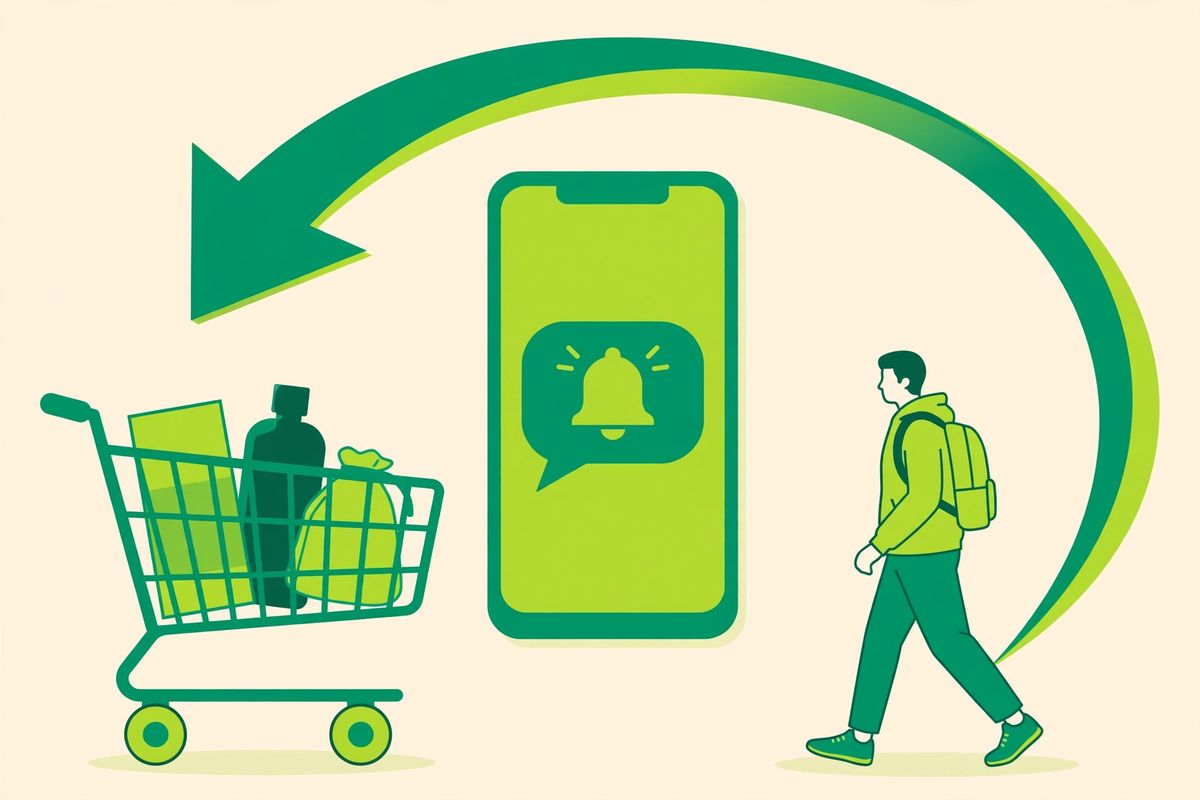
Seven out of ten online carts are abandoned. Email recovery helps, but WhatsApp recovery messages get opened in minutes, not hours. Here is the playbook e-commerce teams use to win back 10–20% of abandoned checkouts on WhatsApp.
Keep it helpful, not salesy: "Hi {{1}}, you left {{2}} in your cart. Need help with sizing or delivery? Tap below to continue checkout: {{3}}"
Address the top reasons people abandon: price, shipping, trust. "Still thinking it over? Here is what customers love about {{2}}, plus free returns for 30 days: {{3}}"
Last nudge with a reason to act now: "Your cart is reserved for 24 more hours. Use code COMEBACK10 for 10% off: {{3}}"
Stop after three. More messages train customers to abandon on purpose, and risk blocks that hurt your broadcast quality rating.

Manual recovery does not scale. The standard setup: your store fires a "cart abandoned" event → the platform waits 1 hour → sends template 1 → if no purchase, waits 24h → sends template 2 → and so on. Replies land in the shared inbox where agents close the sale. SocialGeniex for e-commerce ships this as a ready-made workflow, see more ideas in 7 e-commerce WhatsApp workflows.
A recovery message should never be a manual task. Connect your store so the checkout event triggers the flow automatically: the first nudge after an hour, a helpful follow-up the next day, and a final reminder before the trail goes cold. WhatsApp automation keeps the tone consistent, respects opt-outs instantly and stops the moment the customer buys, which manual chasing never manages reliably. Review the numbers weekly, recovered revenue, reply rate and opt-outs, and tune one variable at a time. Folded into your wider WhatsApp marketing, recovery stops being a campaign and becomes a permanent revenue layer.
Yes, with prior opt-in and approved templates for business-initiated messages. It falls under the marketing category.
No. Lead with help, save the incentive for message 3, otherwise customers learn to wait for codes.
Ready to put this into practice? SocialGeniex brings broadcasts, chatbots, automation and a shared team inbox together in one workspace, so your WhatsApp marketing runs from a single place. Explore the features or start free today.
Join businesses automating customer journeys across 11 live channels. Setup takes under 3 minutes.


