Shared WhatsApp Inbox: How Teams Manage Customer Conversations
Learn how assignments, customer context and human handoffs make WhatsApp manageable for a growing service team.
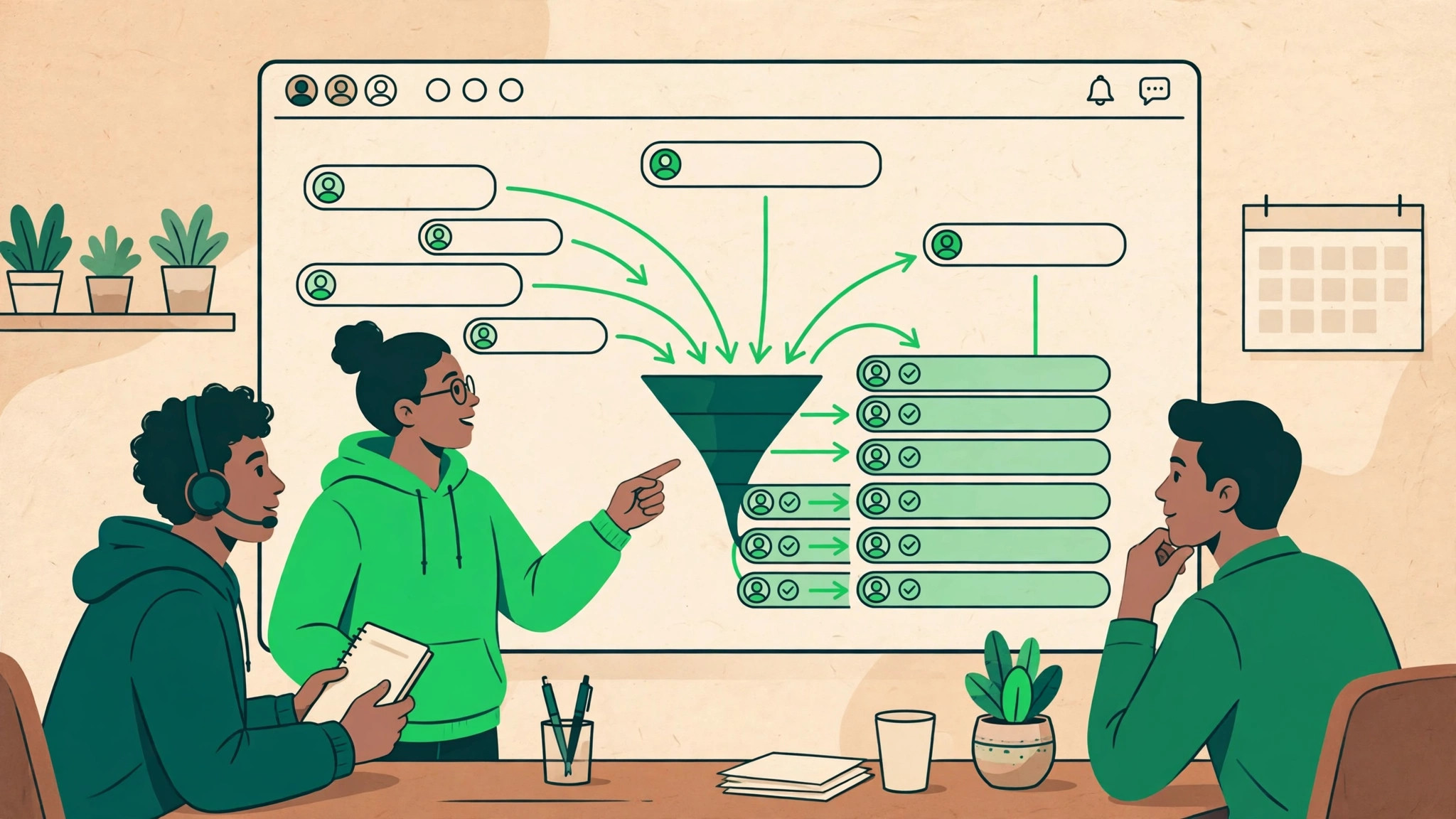
Every growing business hits the same wall: WhatsApp marketing starts working, enquiries multiply, and suddenly one phone passed between staff is dropping conversations daily. A shared WhatsApp inbox is how teams fix that. It is also the operational core of WhatsApp automation, because every automated flow eventually hands a conversation to a human, and that handoff needs one place to land.
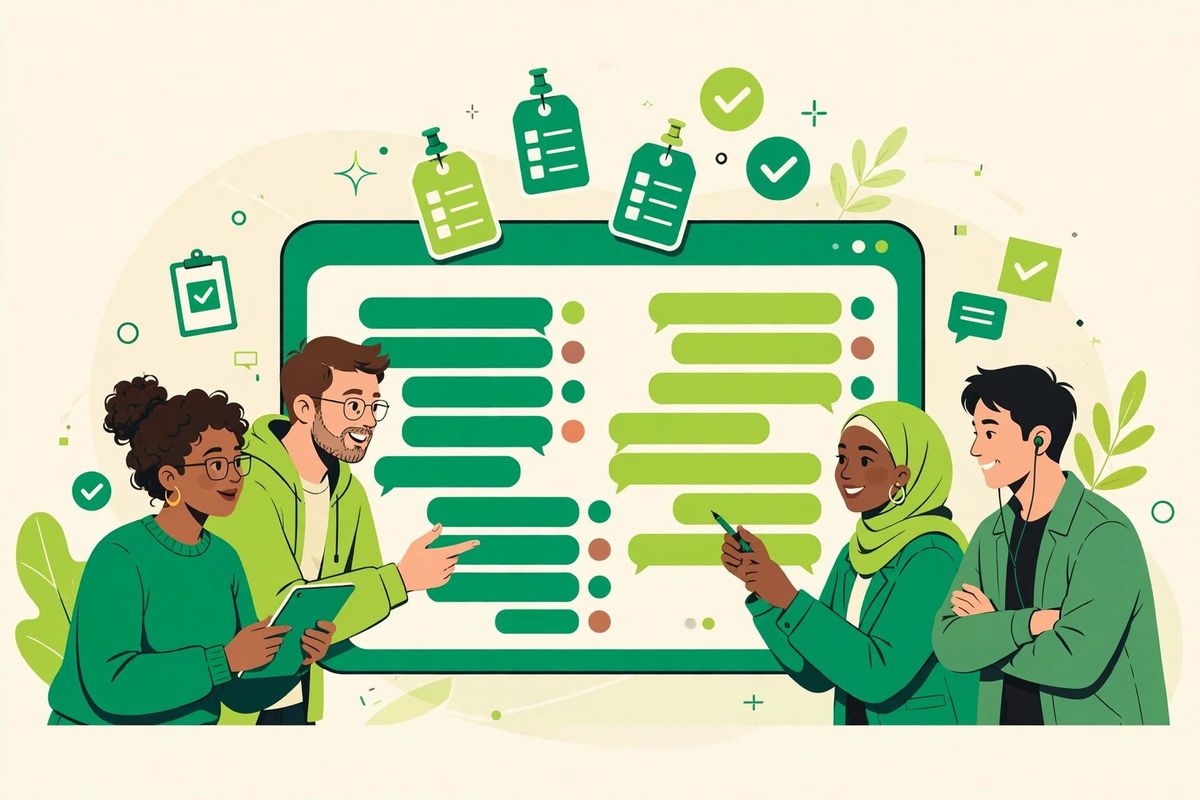
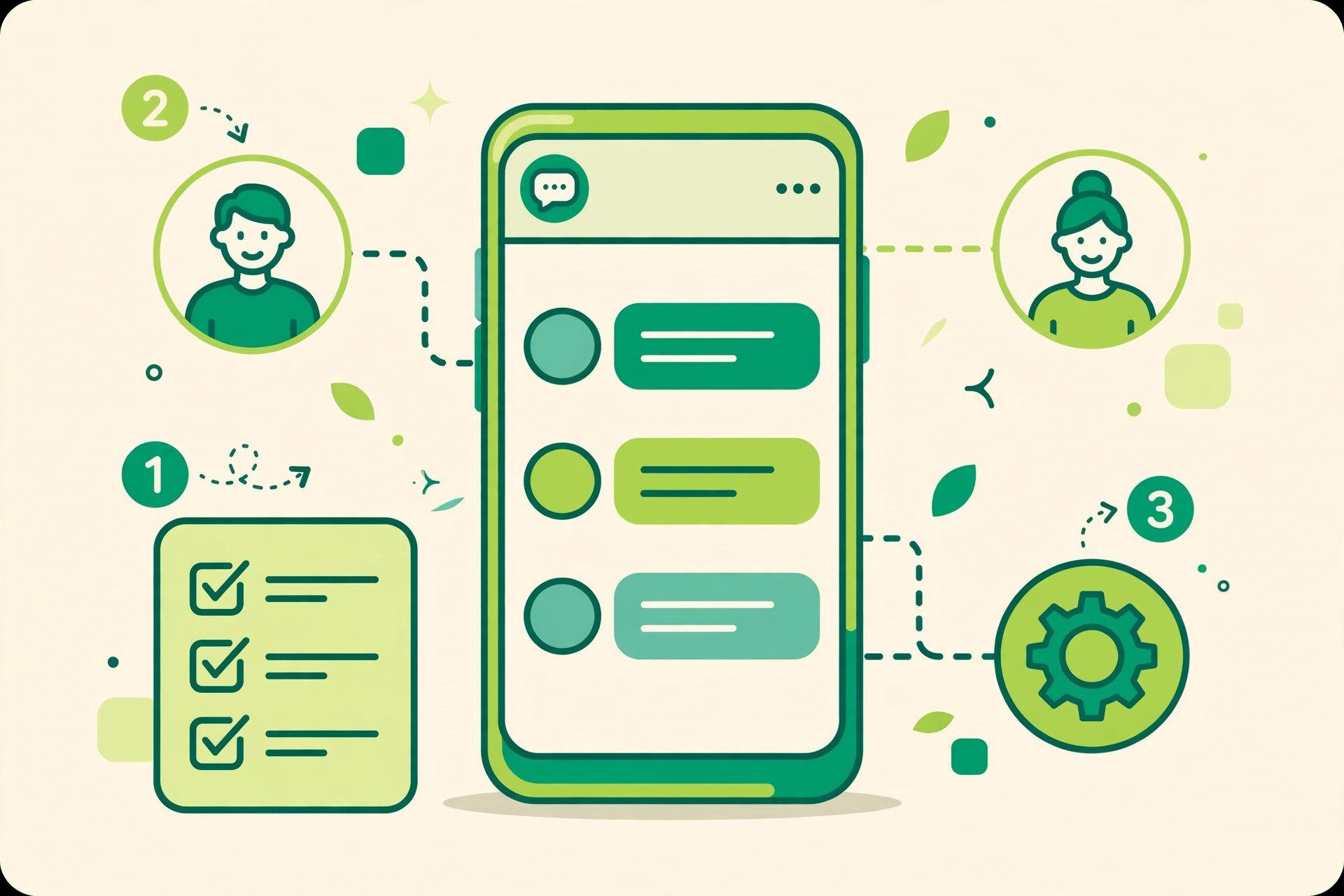
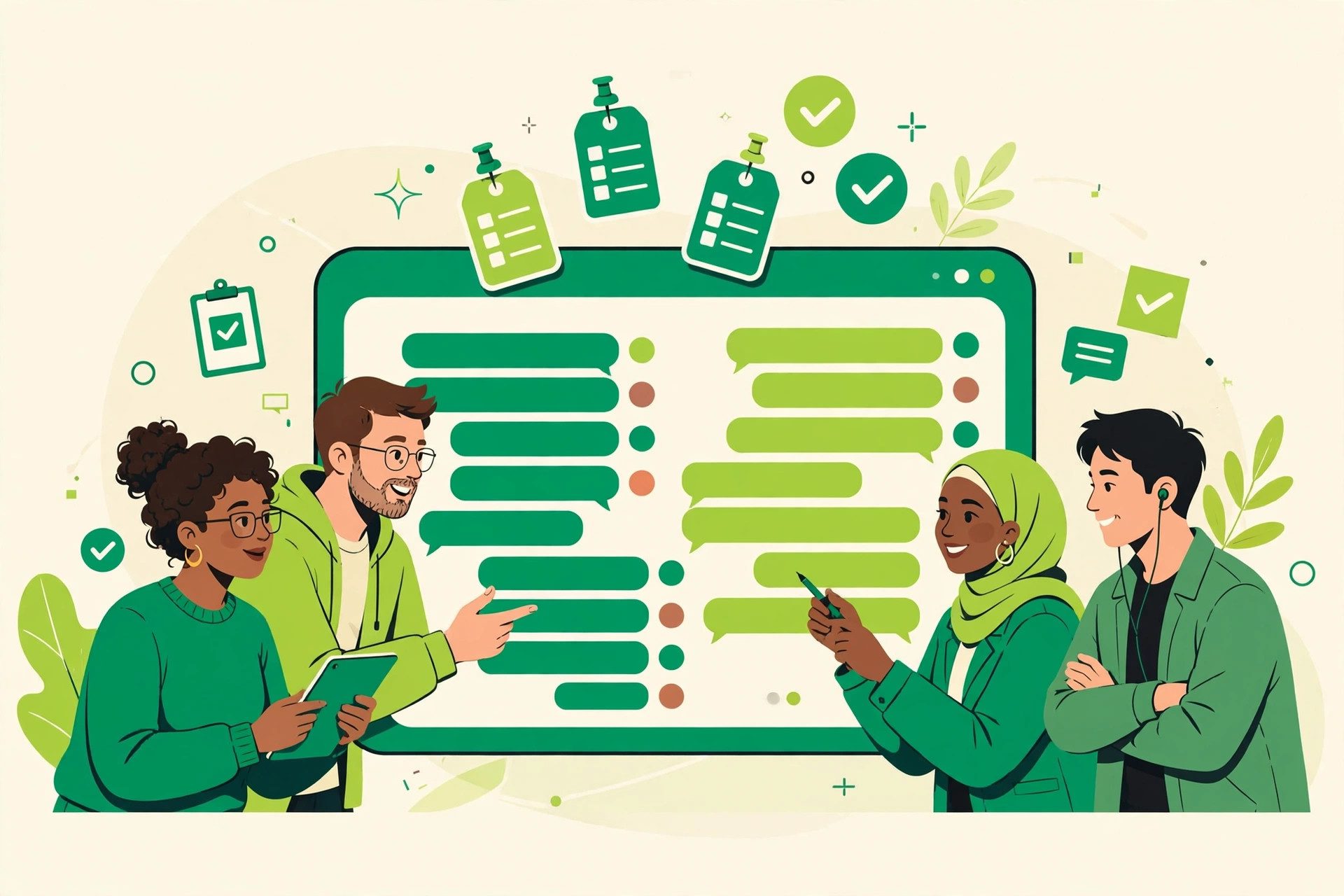
A shared WhatsApp inbox lets authorised team members manage customer conversations from one workspace. Instead of passing a phone around or losing context across accounts, teams can assign ownership, leave internal notes and see the history behind every reply.
Why a normal inbox stops working
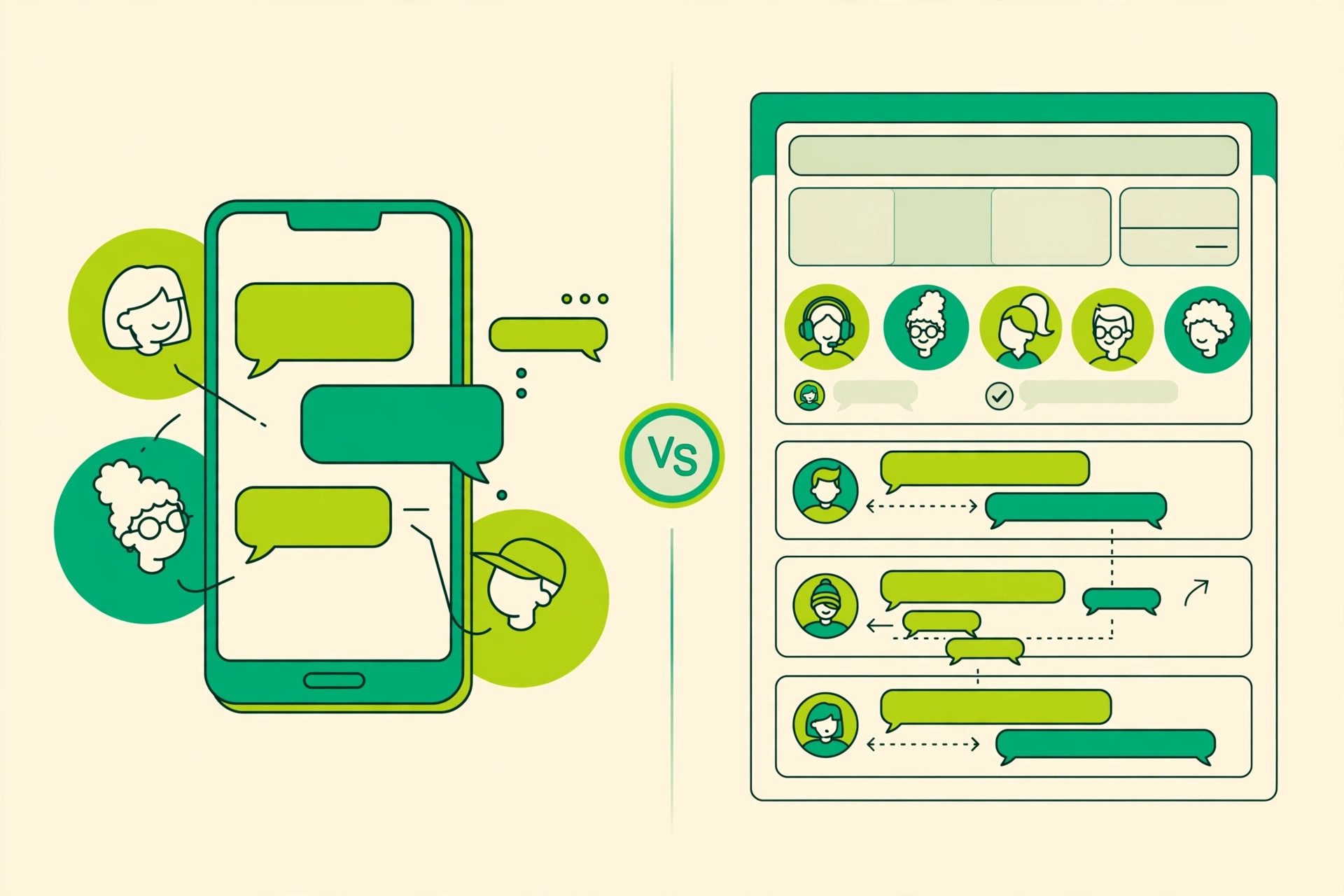
As volume grows, two agents may answer the same question, urgent requests may have no owner, and customers may repeat their story after each handoff. These are coordination problems. A shared inbox creates a visible process: conversations enter a queue, receive an owner and move through open, pending and resolved states.
Capabilities that matter
- Assignment: every active conversation has a clear owner.
- Internal collaboration: notes remain separate from customer replies.
- Customer context: agents see relevant attributes and history.
- Saved replies: common answers stay consistent and editable.
- Automation handoff: flows transfer context rather than restarting.
- Access controls: people receive only the permissions they need.
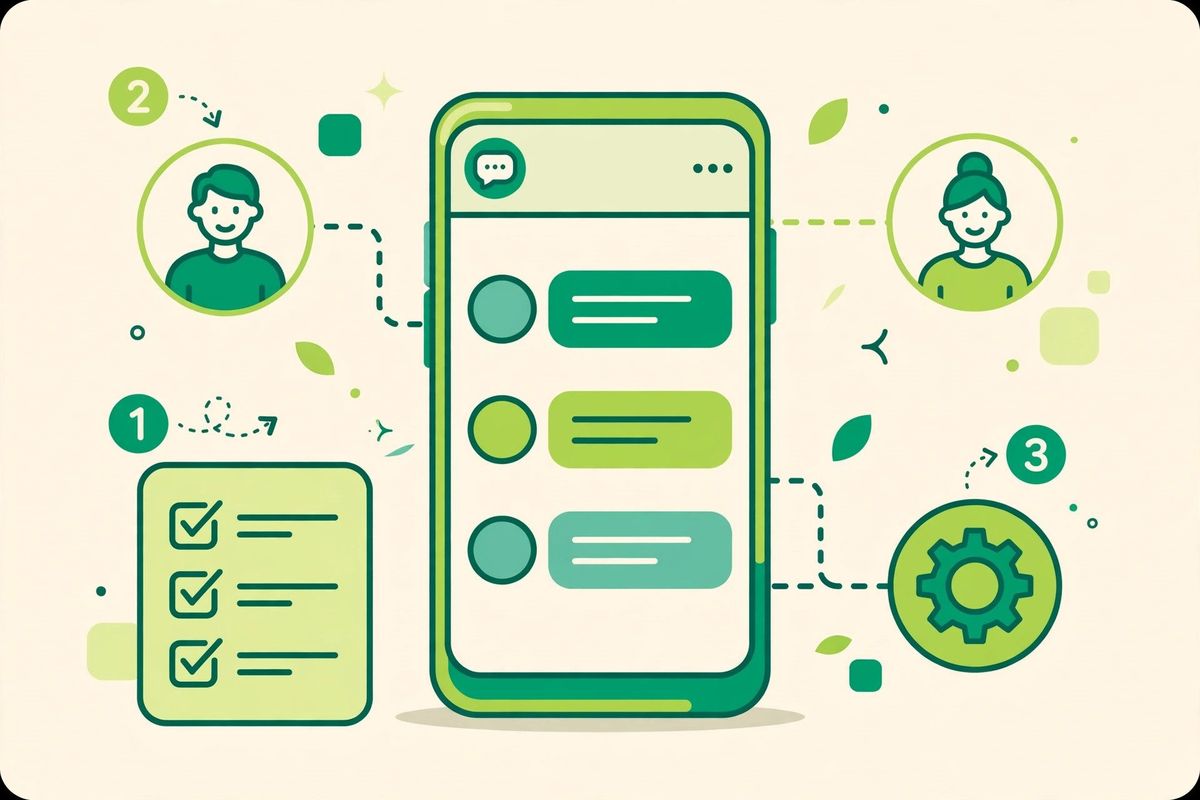
Design an ownership model
Round-robin assignment can balance similar requests. Topic-based routing works where billing, support and sales need different skills. Named ownership suits ongoing customer relationships. In every model, define what happens when an agent is unavailable and when a pending conversation returns.
Introduce the inbox in stages
- Connect one customer-facing number and a small team.
- Create statuses and rules that mirror the real process.
- Write saved replies for common questions.
- Add automation after the human workflow is stable.
- Review unresolved and reassigned conversations weekly.
The shared inbox as your WhatsApp marketing command center
Campaigns create spikes. A single broadcast can bring two hundred replies in an hour, and without a system those replies bury the important ones. In a shared inbox, every conversation can be assigned to an owner, tagged by intent and tracked until it closes. Collision detection stops two agents answering the same customer, and internal notes let the team coordinate without the customer seeing the seams. This is what turns WhatsApp marketing from a noisy channel into a managed pipeline: you can see which campaign produced which conversations, and which conversations turned into sales.
Measure customer outcomes
Reply count rarely explains service quality. Monitor first useful response time, resolution time, reopened conversations and reassignment rate. Read a sample of conversations to understand why a metric changed.
See the SocialGeniex customer service solution or compare the broader automation and CRM features.
Keep reading
- WhatsApp Shared Inbox: The Complete Guide for Teams (2026)
- WhatsApp Team Inbox: The Setup Guide for Support & Sales Teams
Ready to put this into practice? SocialGeniex brings broadcasts, chatbots, automation and a shared team inbox together in one workspace, so your WhatsApp marketing runs from a single place. Explore the features or start free today.